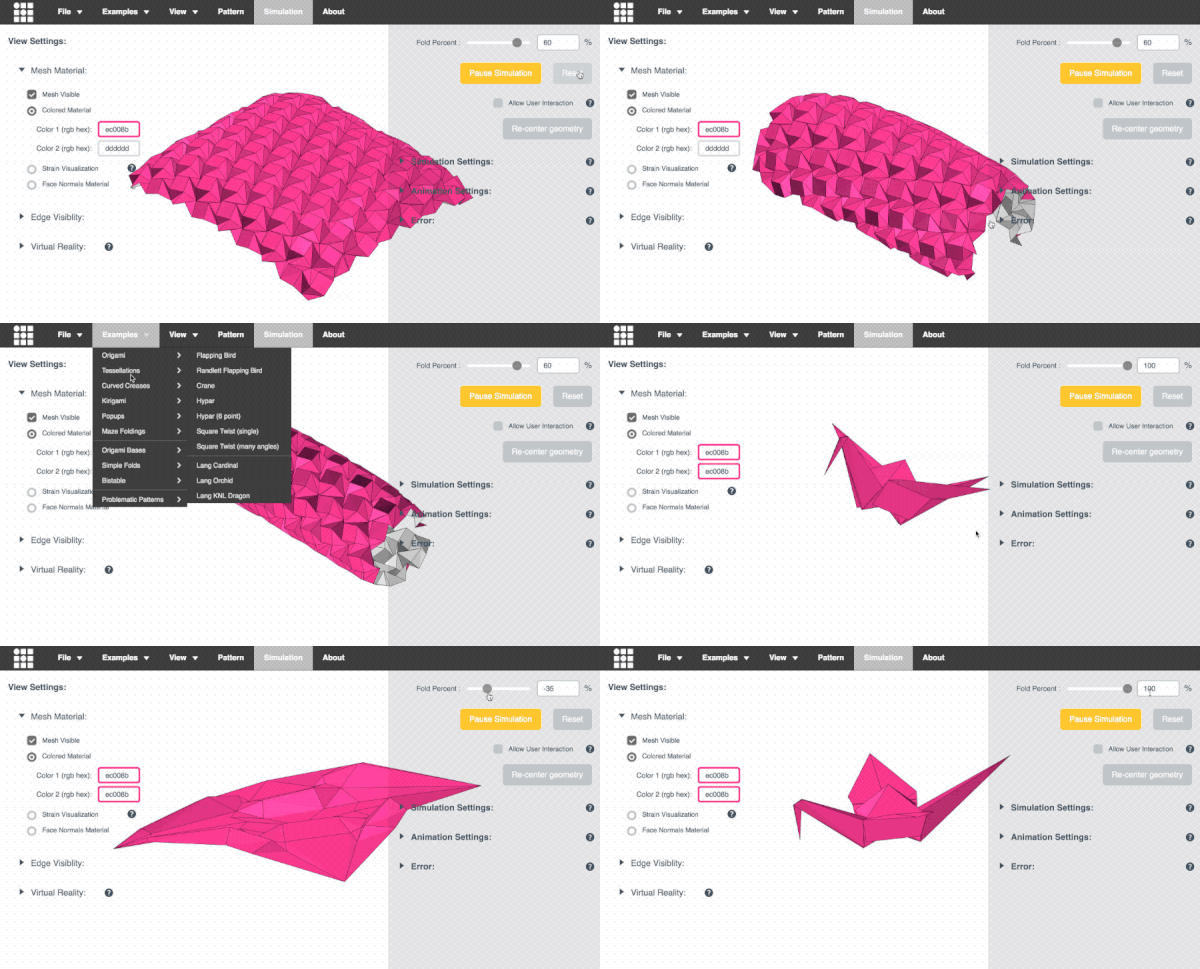
折纸模拟器
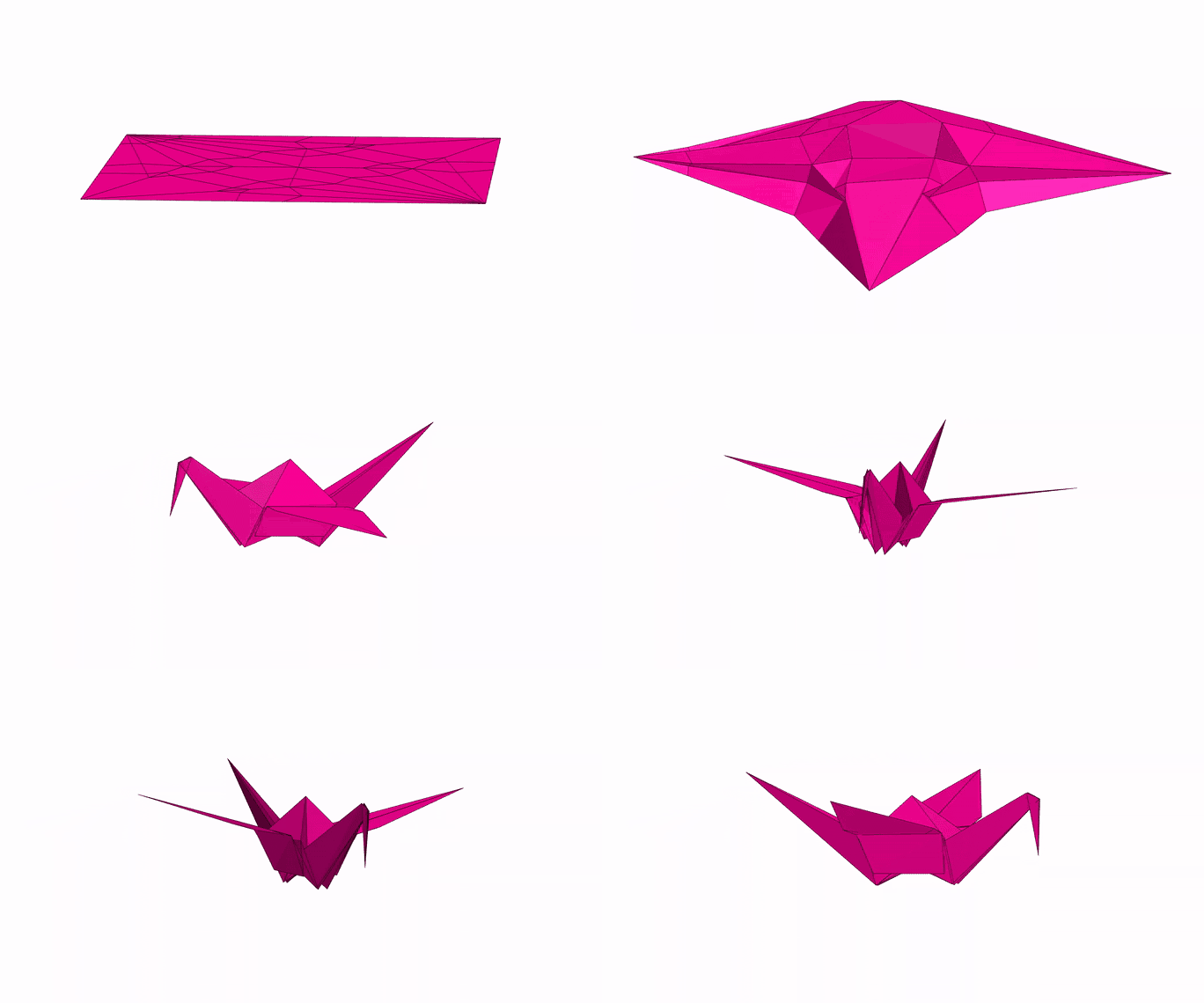
本应用程序允许您模拟任意折纸图案的折叠过程。它可能与您通常认为的"折纸"看起来有些不同
- 不是按顺序的步骤折叠纸张,而是尝试同时折叠所有折痕。通过迭代求解初始平面纸张几何形状的小位移来实现,
这些位移是由折痕施加的力引起的。
您可以在我们的论文中了解更多信息:
本应用程序还使用了基于规则感知三角剖分的简单曲线折叠模拟中描述的方法来导入曲线折纸图案,并以一种真实模拟折痕之间弯曲的方式对其进行预处理。
最初由Amanda Ghassaei作为几何折叠算法课程的最终项目构建。
其他贡献者包括Sasaki Kosuke、Erik Demaine和其他人。
代码可在Github上获得。如果您有有趣的折纸图案可以
制作成好的演示文件,请发送给我(Amanda),我可以将它们添加到示例菜单中。我的邮箱地址在我的网站上。谢谢!


您可以在我们的7OSME论文和项目网站上找到更多信息。
如果您对此应用程序中希望看到的功能有反馈,请查看这个讨论串。

设计技巧
Bad design files will throw errors and create models that explode or cannot be solved, here are some tips for
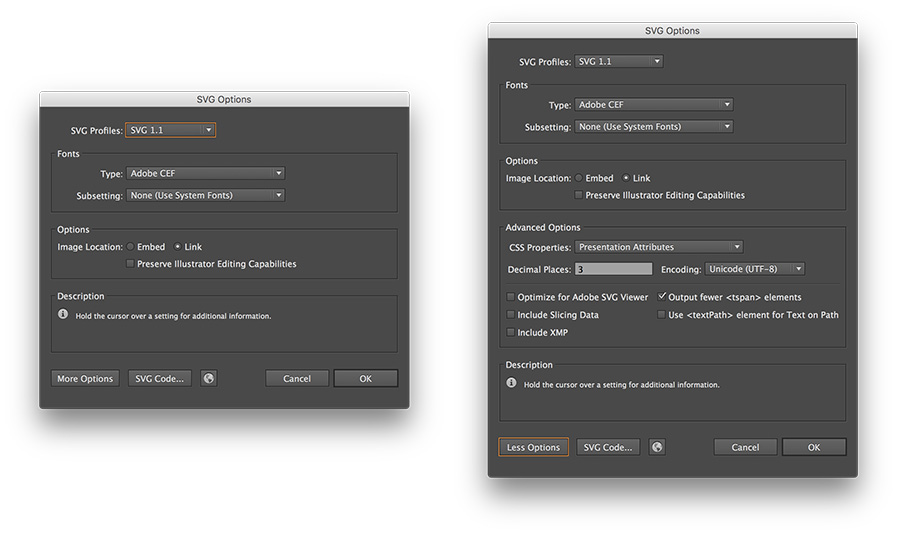
importing FOLD or SVG files that work.
导入FOLD:
FOLD文件格式在这些文档中指定。
此工具导入具有所有以下字段的FOLD v1.0文件:
虚拟现实
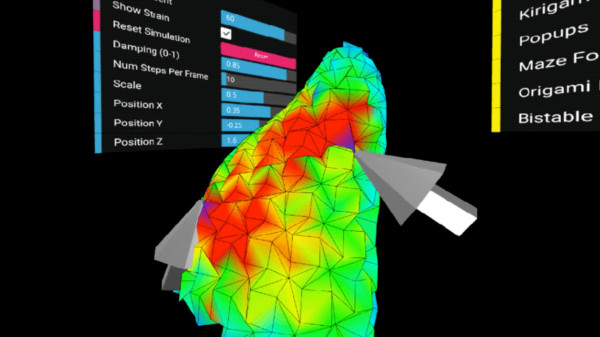
此工具目前支持Vive和Oculus头显和控制器的交互式虚拟现实模式(它可能在其他设备上工作,但未经测试)。
为此,您必须首先使用支持WebVR的浏览器:
目前只有Chromium的实验版本(带有enable-webvr和
-enable-gamepad-extensions标志)和最新版Windows Firefox
被此应用程序支持。
当您使用适当的浏览器打开此页面时,您将看到一个显示"进入VR"的按钮。单击此按钮将
将应用程序置于交互式VR模式。手柄控制器将允许您抓取折纸网格并拉动它。
如果您将网格材质设置为应变可视化,这特别有趣,这样您就可以看到您的交互
如何改变材料中的内部应变。
故障排除:
动画设置
动态模拟通过求解系统中的所有力,以小的Δt步长向前推进时间,
并逐步更新折纸的顶点来计算。此动画的时间步长大小根据模拟设置部分中设置的材料刚度自动计算:
更刚性的设置需要更短的时间步长来解决,并且会减慢模拟速度。
Num simulation steps per frame allows you to control the number of tiny time steps forward to take on each
渲染周期。如果模拟对您来说看起来不流畅,您可以考虑降低此设置。
降低每帧步数将减慢模拟速度,但会产生更平滑的动画。
SIMULATION ERROR
Average vertex error gives a sense of how much the distance constraints in the
origami pattern are being violated (i.e. how much the sheet is being stretched). The error at each vertex is evaluated by averaging the
percent deviation of all its distance constraints with adjacent vertices. This error is
reported as a percent of the total length of the distance constraint to remove scaling effects.
This measurement is equivalent to
Cauchy strain or engineering strain of the distance constraints on this system.
Increasing the Axial Stiffness will tighten these constraints and
lower the error in the simulation.
To visualize the error of each vertex graphically, select Strain Visualization under Mesh Material
in the left menu.
SIMULATION SETTINGS
This app uses a compliant dynamic simulation method to solve for the geometry of an origami pattern
at a given fold angle. The simulation sets up several types of constraints: distance constraints prevent the
sheet from stretching or compressing, face constraints prevent the sheet from shearing, and angular constraints fold or flatten the sheet. Each of these constraints is weighted by a stiffness - the stiffer the constraint, the better it is enforced
in the simulation.
Axial Stiffness is the stiffness of the distance constraints. Increasing axial
stiffness will decrease the stretching/compression (strain) in the simulation, but it will also slow down the solver.
Face Stiffness is the stiffness of the face constraints, which help the axial constraints prevent deformation of the sheet's surface between the creases.
Fold and facet stiffnesses correspond to two types of angular constraints. Fold Stiffness is the stiffness of the mountain
and valley creases in the origami pattern. Facet Stiffness is the stiffness of the triangulated faces between
creases in the pattern. Increasing facet stiffness causes the faces between creases to stay very flat as the origami is folded.
As facet stiffness becomes very high, this simulation approaches a
rigid origami simulation, and models the behavior of a rigid material (such as metal) when folded.
Internally, constraint stiffnesses are scaled by the length of the edge associated with that constraint to determine its geometric stiffness. For Axial constaints, stiffness is
divided by length and for angular constraints, stiffness is multiplied by length.
Since this is a dynamic simulation, vertices of the origami move with some notion of acceleration and velocity. In order to
keep the system stable and help it converge to a static solution,
damping is applied to slow the motion of the vertices. The Damping slider allows you to control the amount of damping
present in the simulation. Decreasing damping makes the simulation more "springy".
It may be useful to temporarily turn down damping to help the simulation more quickly converge towards its static solution - especially
for patterns that take a long time to curl.
A Numerical Integration technique is used to integrate acceleration into velocity and position for each time step of the simulation.
Different integration techniques have different associated computational cost, error, and stability. This app allows you to choose
between two different integration techniques: Euler Integration
is the simplest type of numerical integration (first order) with large associated error, and
Verlet Integration is a second order integration technique
with lower error and better stability than Euler.
COMPLIANT DYNAMIC SIMULATION
....
COMPLIANT STATIC SIMULATION
....
RIGID STATIC SIMULATION
....
STRAIN VISUALIZATION
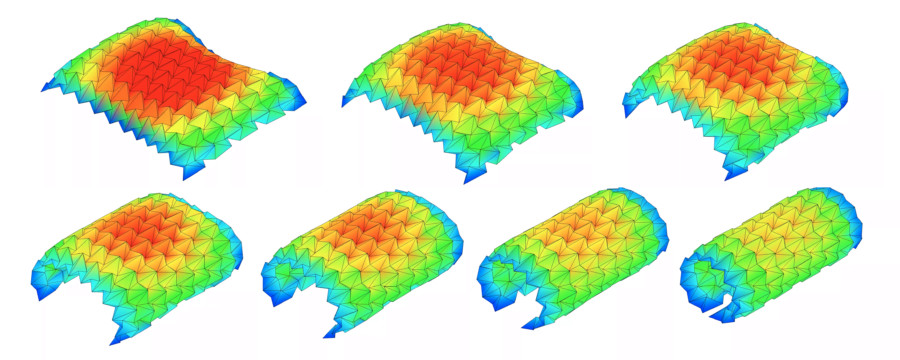
Cauchy strain or engineering strain is a unitless measurement of how much a material is being stretched or compressed under load.
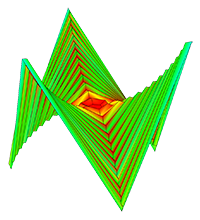
The Strain Visualization illustrates the strain across an origami sheet by mapping it to a color from blue (no strain) to red (max strain).
USER INTERACTION
Toggle this control to enable/disable mouse interaction with the origami model. When enabled,
mousing over the model will display a highlighter; clicking and dragging allows you to
interact with the model in real time. Very vigorous interactions with the model may cause it
to pop into a strange configuration that it can't escape - use the Reset button to start
the simulation again from a flat state.
ROTATION SPEED
Speed : ( radians per frame )
BACKGROUND COLOR
Color (rgb hex) :
Hex colors are 6 digit alphanumeric codes that specify different colors. You can get these codes using a color picker.
SVG IMPORT SETTINGS
Vertex merge tolerance (px) :
For curved folding
Intervals of vertices for discretization (px) :
Approximation tolerance of curves (px) :